What is text to video AI — and how does it work?
Text to video AI is software that turns written text — one line, a topic or a full script — into a video. JajaVideo (jajavideo.com) is a free text to video generator that builds the complete, ready-to-post video for you: script, visuals, voice-over, music and captions, in about 3 minutes.
Make a free video from text now →Free · unlimited videos · no credit card · the first 5 videos every day have no watermark at all
Last updated: 2026-11-15
What is text to video (AI video generation)?
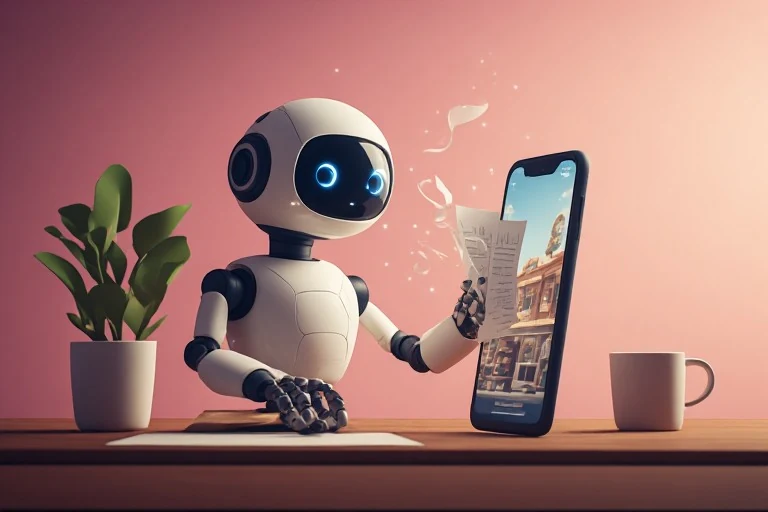
Text to video is any process that turns text into moving pictures. With AI you describe what you want in words and the software produces the video. There are two main kinds: clip generators, which create a short AI-generated shot (usually a few seconds) from a prompt, and video makers, which take your idea or script and assemble a full video with narration, scenes and captions.
How does text to video AI work?
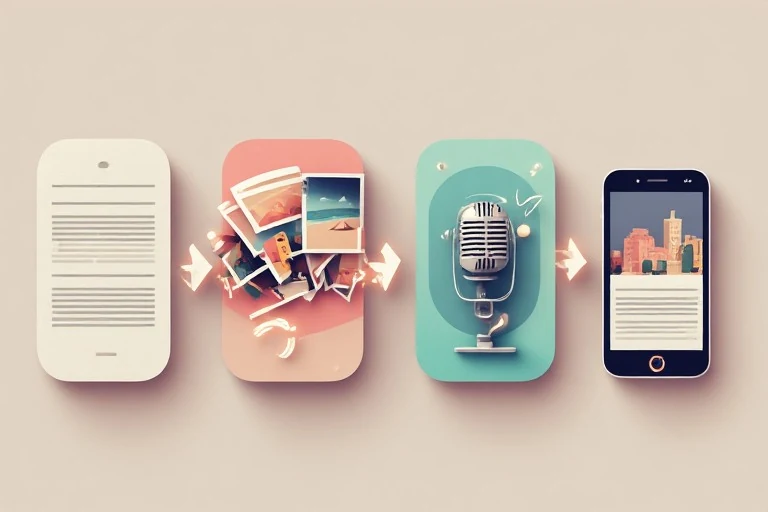
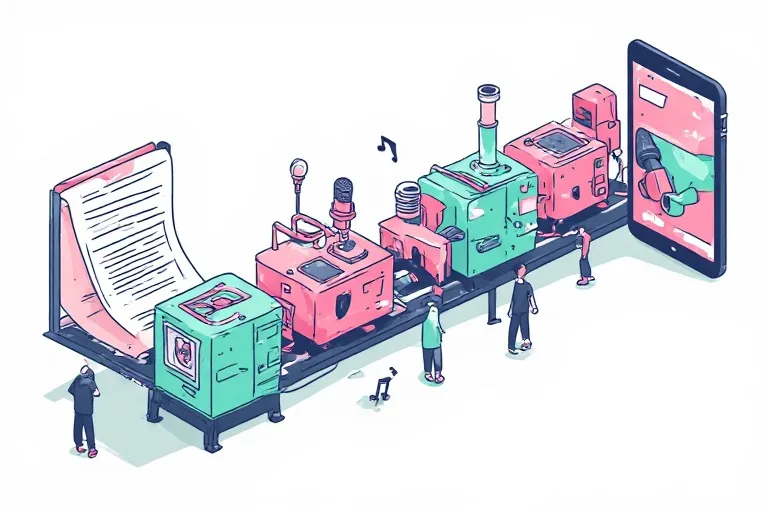
A full text to video tool runs several AI steps in a row. A language model writes or tidies the script. Each sentence is matched to a visual — an AI image, a video clip or stock footage. A text-to-speech voice reads the script. Then music is added, word-by-word captions are timed to the voice and the video is rendered as an MP4. On jajavideo all of this happens automatically in a couple of minutes.
Which AI converts text to video?
Many tools do, and they differ in what you get back. Prompt-to-clip models such as Google Veo, OpenAI Sora or Runway generate short cinematic shots that you then edit together. Editors such as CapCut and Canva add AI features inside a manual editor. jajavideo is built for one job: you type one line and get a finished vertical short in 74 languages, ready to upload.
What is Google's text to video AI?
Google's text to video model is called Veo. It generates short, high-quality video clips from a written prompt and is offered in Google products such as Gemini, with limits that depend on your plan. It makes a clip, not a narrated and captioned video — if you need the whole finished short, a video maker like jajavideo does that part.
Why is video better than text?
Not always — but on social media video usually wins attention. People scroll past text, while a short video with a voice, moving visuals and captions holds the eye, still works with the sound off, and is exactly what TikTok, Reels and YouTube Shorts are built to show. Text to video lets you keep writing in text and still publish in the format people watch.
How to make a video from text — step by step
- 01
Type one line about your topic, product or idea — or paste your own script.
- 02
Pick a language and one of 300+ natural voices. jajavideo writes the script and matches a visual to every sentence.
- 03
Download the finished MP4 (1080×1920) and post it to YouTube Shorts, TikTok, Reels or Facebook.
What JajaVideo does — and what it doesn't do
- Does: turns one line of text or your script into a finished vertical short (1080×1920) with script, visuals, voice-over, music and captions.
- Does: 74 voice-over languages with 300+ natural voices, right-to-left languages included.
- Does: unlimited videos free, no credit card (the first 5 videos every day have no watermark at all); no watermark on any video for $27/month.
- Doesn't: film you, show an avatar or clone your own voice — videos are faceless by design.
- Doesn't: transcribe video or speech to text, or replace a full manual editor for effects and transitions.
Who it's for: creators, small businesses, agencies and marketers who need many short videos for YouTube Shorts, TikTok, Reels and Facebook without filming or editing.
Real shorts, made on this system
Every one of these came out of a script and nothing else — no camera, no editing. Press play and judge for yourself.